A filter is a sticker. This is a darkroom.
Give your photos a film look
that actually holds up.
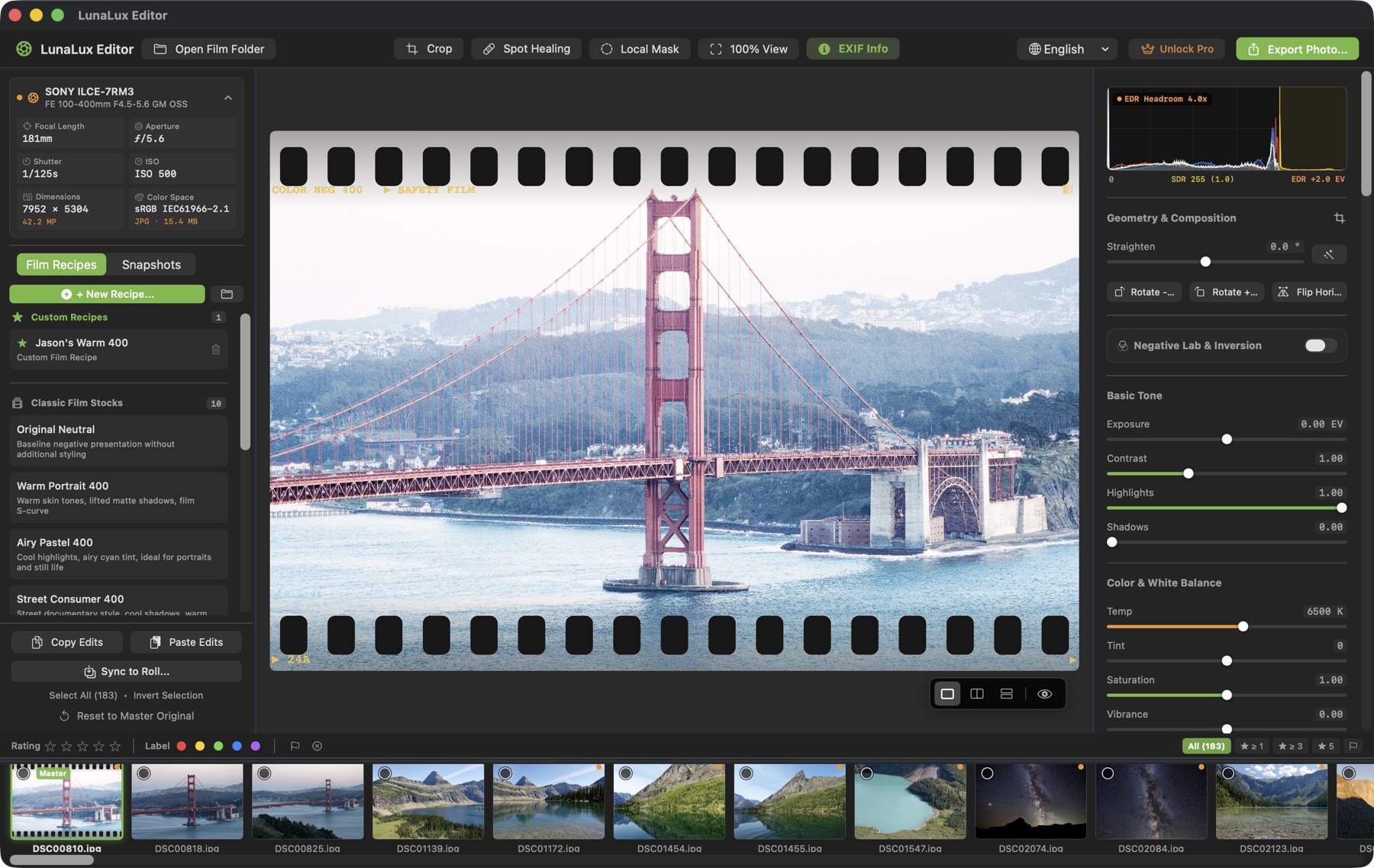
LunaLux Photo Editor turns a digital photo into something that looks like it came back from the lab — ten film recipes, real grain and halation, sprocket borders, RGB curves — and edits a whole folder at once. Open a folder, no import. Your originals are never touched. And if you shoot film too, it inverts your negative scans.
A film look isn't a color tint. It's grain, halation and the way highlights roll off.
Most editors apply a preset and call it film. LunaLux simulates what film actually does to light: red-channel halation with its own diffusion radius, silver-halide grain with real size and roughness, dye clouds, light leaks — each dialled independently, on top of a proper 16-bit colour pipeline.
Computed, not pasted
Grain, halation, light leaks and dust are generated for your image at your resolution — not a texture stretched over it. Export at 45 megapixels and they still look right.
Ten stocks, then yours
Warm portrait, airy pastel, punchy consumer colour, vivid slide, daylight and tungsten cinema, two black-and-white classics. Start from one, push it, save it as your own recipe — it travels inside the folder.
Folders, not a library
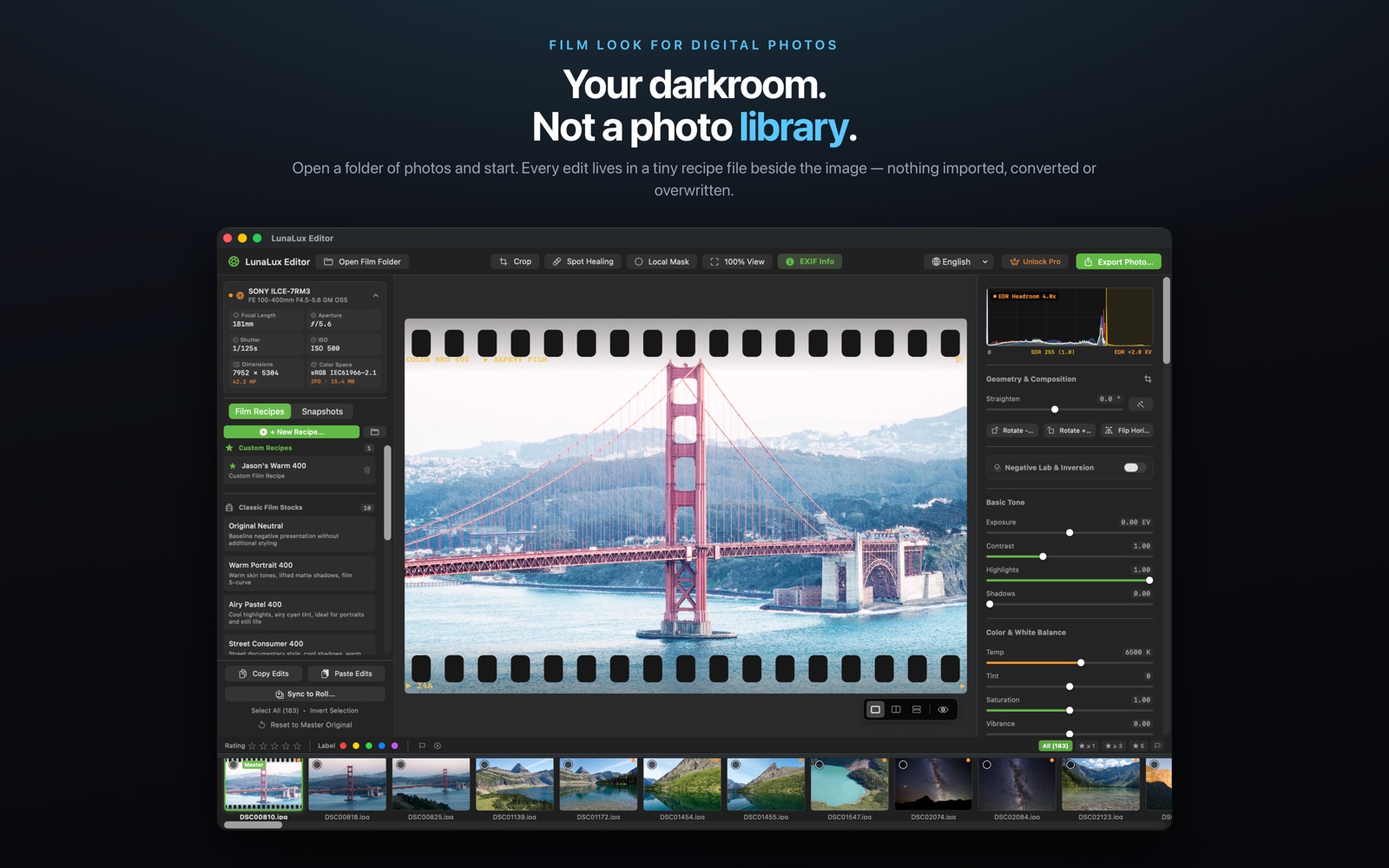
Open a folder of photos and start. Every edit lives as a small recipe file beside the image. Nothing is imported, converted or overwritten, and there is no catalogue to rebuild or lose.
One digital photo. One recipe.
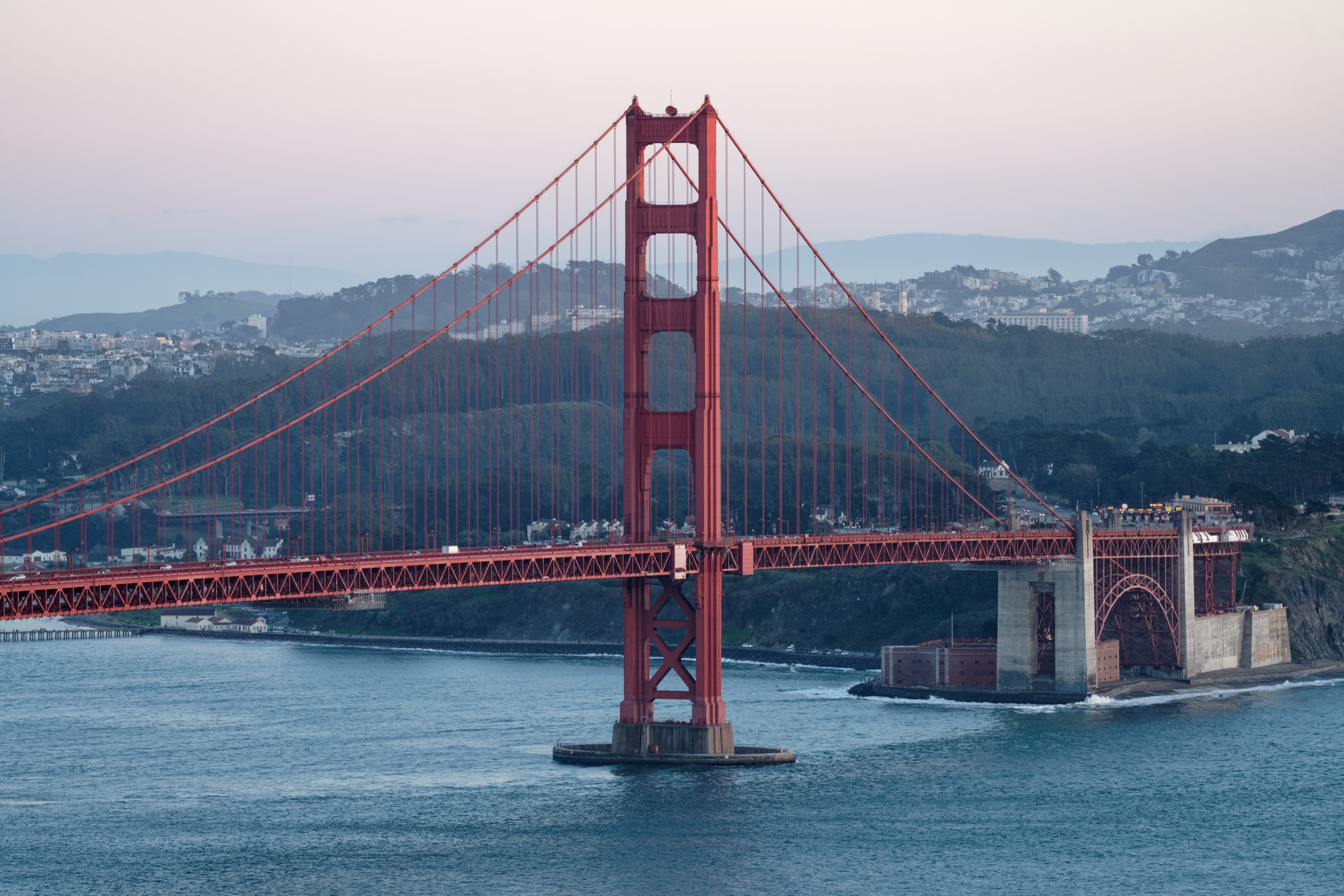
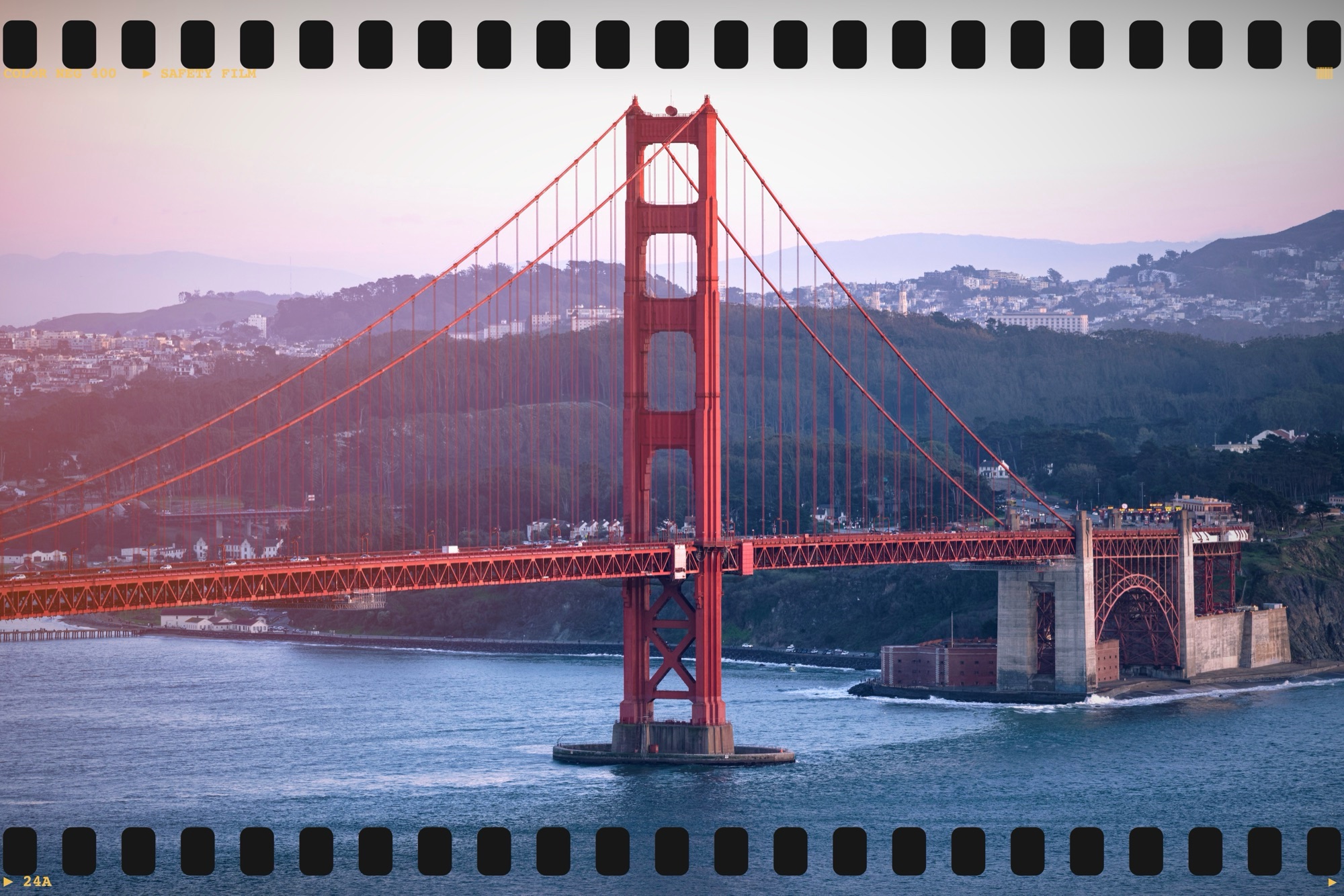
Drag across the frame. The left side is the same photo with a warm color grade and a full sprocket border, all done in LunaLux — no layers, no masks.
A complete darkroom, not a filter pack.
Every tool below is free on Mac, iPad and iPhone, with no subscription and no account.
Film recipes & real grain
Ten stock emulations with a strength slider, plus your own recipes. Silver-halide grain with size, roughness and dye-cloud controls; red-channel halation; black-mist bloom; light leaks and dust — each independent, or off.
Rebates, borders & watermarks
Full sprocket overlays, 35mm and 120 rebates, instant and gallery mattes, DX barcode, and an EXIF watermark in typewriter type with your own film label and frame number.
Colour with precision
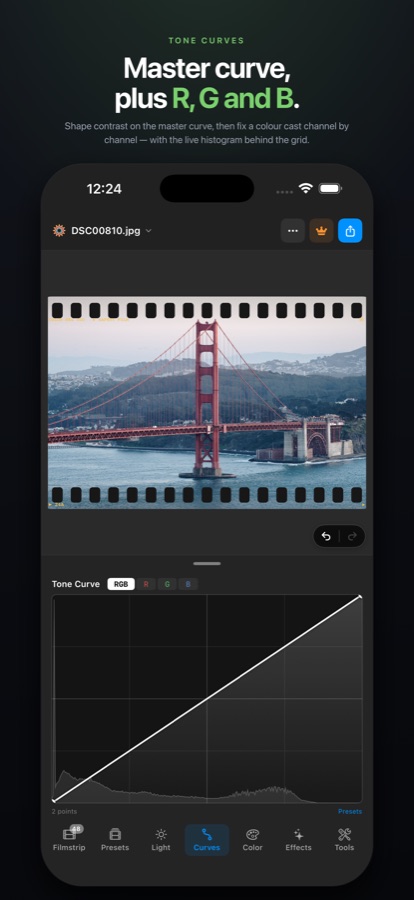
Dehaze, 8-channel HSL, three-way colour wheels, master plus R, G, B tone curves over a live histogram, linear and radial masks, and an on-device subject mask by Apple Vision.
Crop, perspective, dust
Free crop and locked ratios from 1:1 to 65:24, one-tap auto horizon, vertical and horizontal perspective correction with a clean crop, and a healing brush with a dust-reveal mode.
Whole folders at once
Star ratings, colour labels and flags to cull; copy and paste edits between photos or sync one look across the entire folder. Crop and healing stay excluded so one frame's fix never lands on another.
Export your way
JPEG, HEIC, 16-bit TIFF or PNG in sRGB, Display P3 or Adobe RGB, full size or a long-edge preset with output sharpening — and true Ultra HDR JPEG when the frame has real highlight headroom.
Match a Look
Pick any photo whose colour you love — from your library, a file or the same roll — and an on-device model builds editable adjustments that bring your photo toward it. Set the strength, or keep tone or colour only.
Edit right inside Photos
On iPhone and iPad, tap Edit in the Photos app and choose LunaLux: film recipes, light, dehaze, colour, curves, grain and halation. Saved back to the photo, revertible any time.
HDR in, HDR out
Gain-map photos and HDR HEIC open, edit and export as HDR, with a live waveform and your display's real headroom. Export Ultra HDR JPEG or 10-bit HDR HEIC.
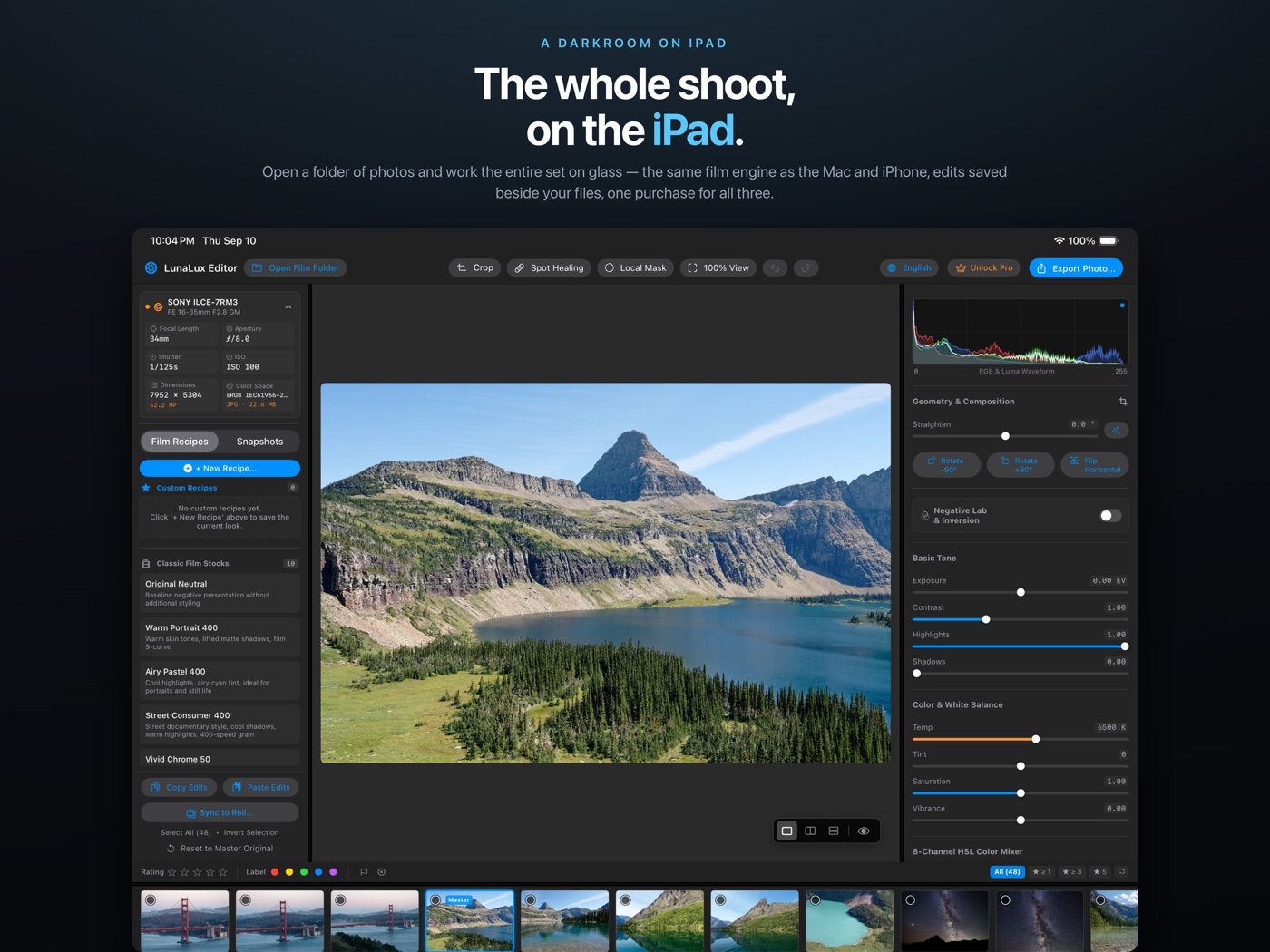
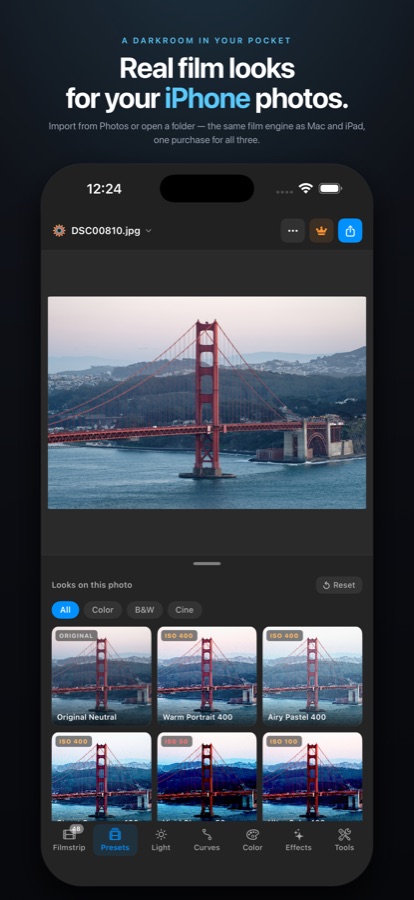
The same darkroom on Mac, iPad and iPhone.
Same engine, same recipes, same files. Edit on the Mac, cull on the iPad, finish on the iPhone — the folder carries the edits along.
Technical specifications
For the people who read spec sheets.
Everything is free. Pro just removes the reminder.
Every editing and export feature is free, at full resolution, with no watermark and no account. LunaLux Pro is a one-time purchase that removes the periodic reminder shown on export and adds a PRO badge to the toolbar — buy it once, it covers Mac, iPad and iPhone.
Frequently asked questions
Do I need film scans to use it?
No. Most people use LunaLux on ordinary digital photos — JPEG, HEIC or RAW straight from a camera or phone. Negative inversion is one switch, off by default, for those who also shoot film.
Does it change my original files?
Never. Edits are stored as small JSON recipes in a .lunalux folder beside your photos. Originals are never rewritten, converted or moved, and there is no hidden library.
Are the film looks named after real films?
No. The ten recipes are LunaLux's own emulations of classic looks — warm portrait, vivid slide, tungsten cinema and so on — modelled on how those films behave, not licensed from any manufacturer.
Can I edit a whole folder at once?
Yes. Rate and flag to cull, then copy and paste edits between photos or sync one look across the folder in a single pass. Crop and dust removal stay excluded from sync by default.
What's free and what does Pro do?
Everything is free: every tool, every export format, full resolution, no watermark, no account. Pro is a one-time purchase that removes the periodic reminder shown when you export and adds a PRO badge. One purchase covers Mac, iPad and iPhone.
Does anything leave my device?
No. Processing happens entirely on your Mac, iPad or iPhone. There is no account, no cloud, no analytics and no tracking — the app makes no network requests of its own.
Is the iPhone version the full app?
Yes. It's the same engine and the same recipes, with a compact layout: a one-handed drawer in portrait and canvas-plus-console in landscape. Import from Photos or open a folder; recipes travel between devices inside the folder.